In the app
Simple, fast and out of your way
A clean dark interface that's ready the moment you need it.
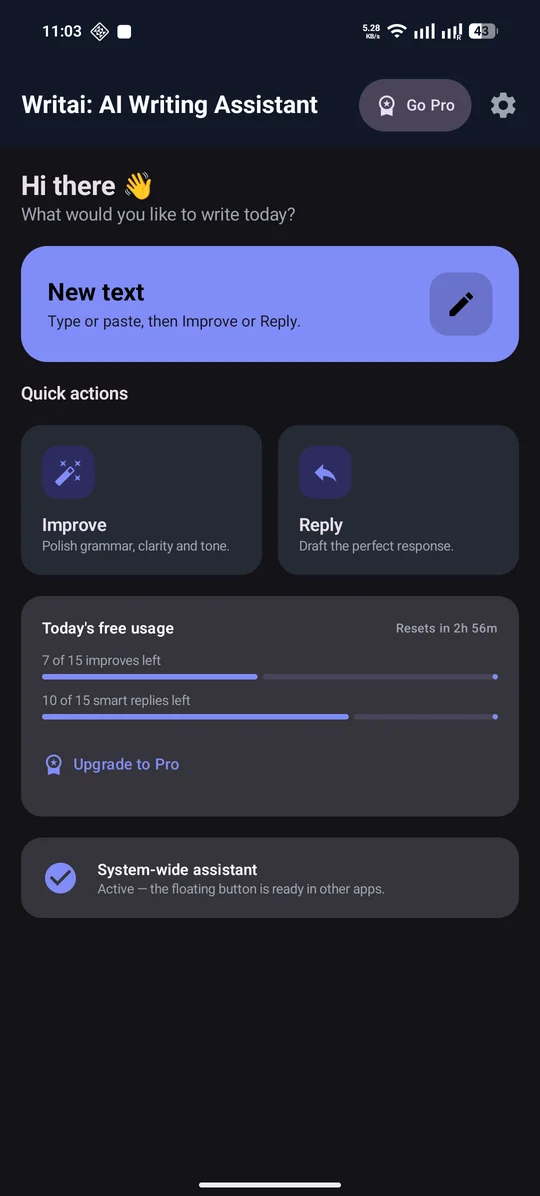
Your writing home
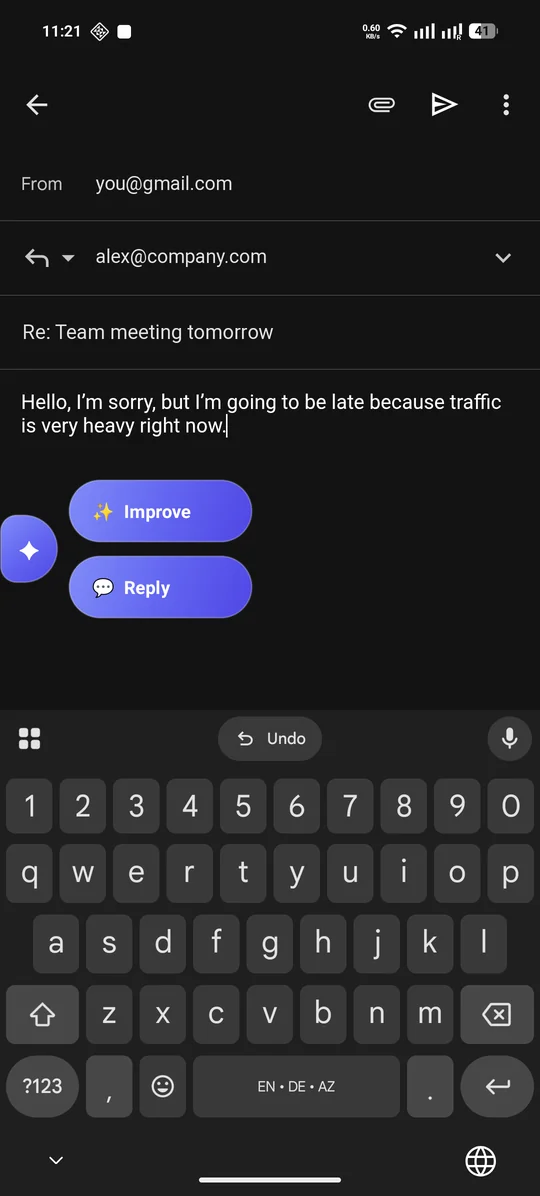
Right where you type
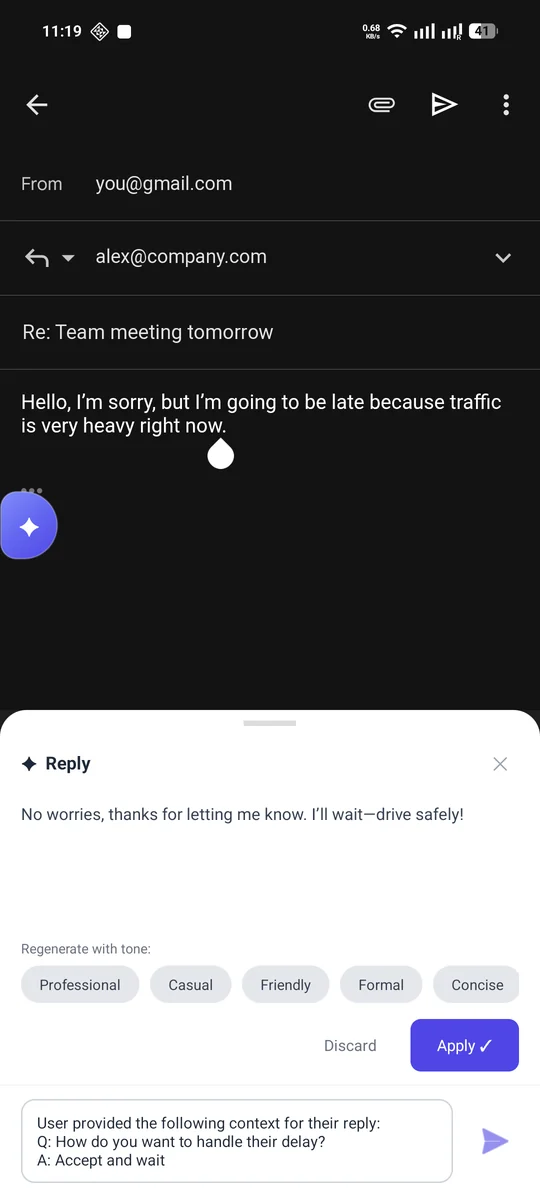
Replies in seconds
Fix grammar, set the right tone and draft smart replies, right where you type. Tap the Writai button in any chat, email or post, and get a polished version in seconds.
Everything you need for everyday messages, emails and posts, without switching apps.
Fix grammar, spelling and punctuation, and make your message clearer and easier to read.
Professional, friendly, casual, formal, concise or witty. Or add your own instruction, like “make it shorter”.
Write in your own language and send it in another. Writai improves and translates in one step, in 19 languages.
Answer a few quick questions and get a reply that sounds like you, not like a robot.
An optional floating button appears while you type in messaging, email and social apps. No copy and paste.
No account, no ads. Your text is only sent when you tap Improve or Reply, and is never stored on our servers.
Type the way you normally do. Writai turns it into something you're happy to send.
Write the way you always do, typos and all, in Gmail, WhatsApp or any other app.
Writai fixes grammar, spelling and clarity in seconds, keeping your meaning.
Professional, Friendly, Casual, Formal, Concise or Witty. Switch until it sounds right.
The polished text replaces your draft right where you were typing.
Stuck on a reply? Writai asks what you want to say, then drafts it for you.
Long-press the message you received and tap Copy. That's the context Writai replies to.
Tap the Writai bubble in the chat box, choose Reply, then “From clipboard”.
Writai asks what you want to say, like whether you're coming. One tap is enough.
The reply lands in your message box, sounding like you. Tweak it or just hit send.
No account and no setup screens. Use the built-in editor, or turn on the floating button to write in any app.
In the Writai editor, or in any app once the floating button is on.
Writai polishes your text or asks what you'd like to say back.
Try another tone if you like, then apply the result with one tap.
A clean dark interface that's ready the moment you need it.
Writai only sees what you choose to share, and only when you ask.
No name, email or phone number needed.
Text is sent only when you tap Improve or Reply. The clipboard is read only when you pick “From clipboard”.
We don't store your text on our servers and never use it for advertising.
Password fields are never read. The floating button is optional and off by default.
Try everything for free every day. Upgrade when you want more.
For everyday messages
For people who write a lot
Can't find what you're looking for? Email us.
Yes. Writai is free to download and includes a daily allowance of Improves and smart replies. Writai Pro is an optional subscription for unlimited use and our most capable AI model.
No. If you turn on the optional floating button, Writai uses Android's Accessibility Service only to detect when you're typing in a text field. It reads that field only when you tap Improve or Reply, never reads password fields, and doesn't collect other screen content. You can turn it off at any time.
No. There's no sign-up, and we never ask for your name, email or phone number.
Writai can improve and translate your text into 19 languages, including English, German, Spanish, French and Turkish.
Writai is currently available for Android on Google Play.
Subscriptions are managed by Google Play. Open Google Play → Payments & subscriptions → Subscriptions and cancel at least 24 hours before the end of the current period.
Download Writai for free and polish your next message in seconds.